

The interactive floor plans you can embed anywhere
Smplrspace integrates quickly into existing products and systems, amplifying instead of replacing current processes and workflows.
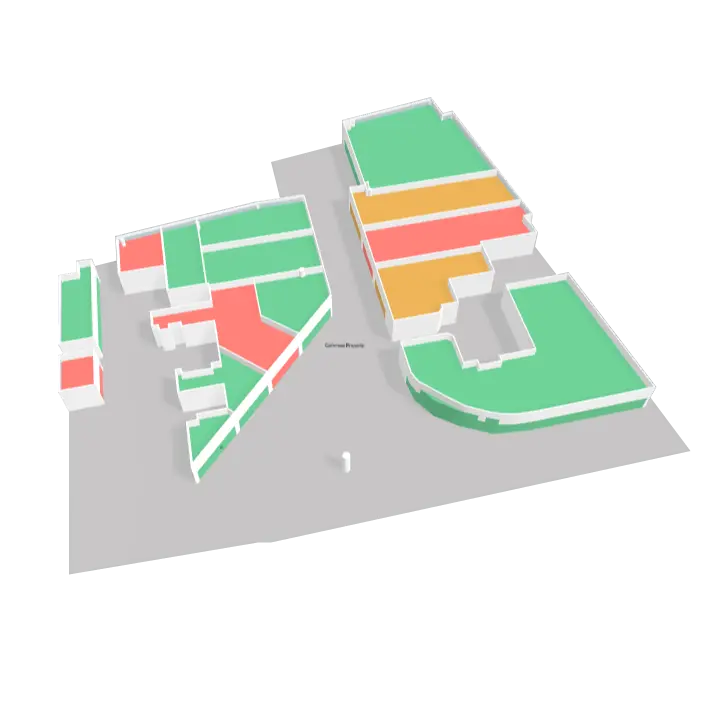
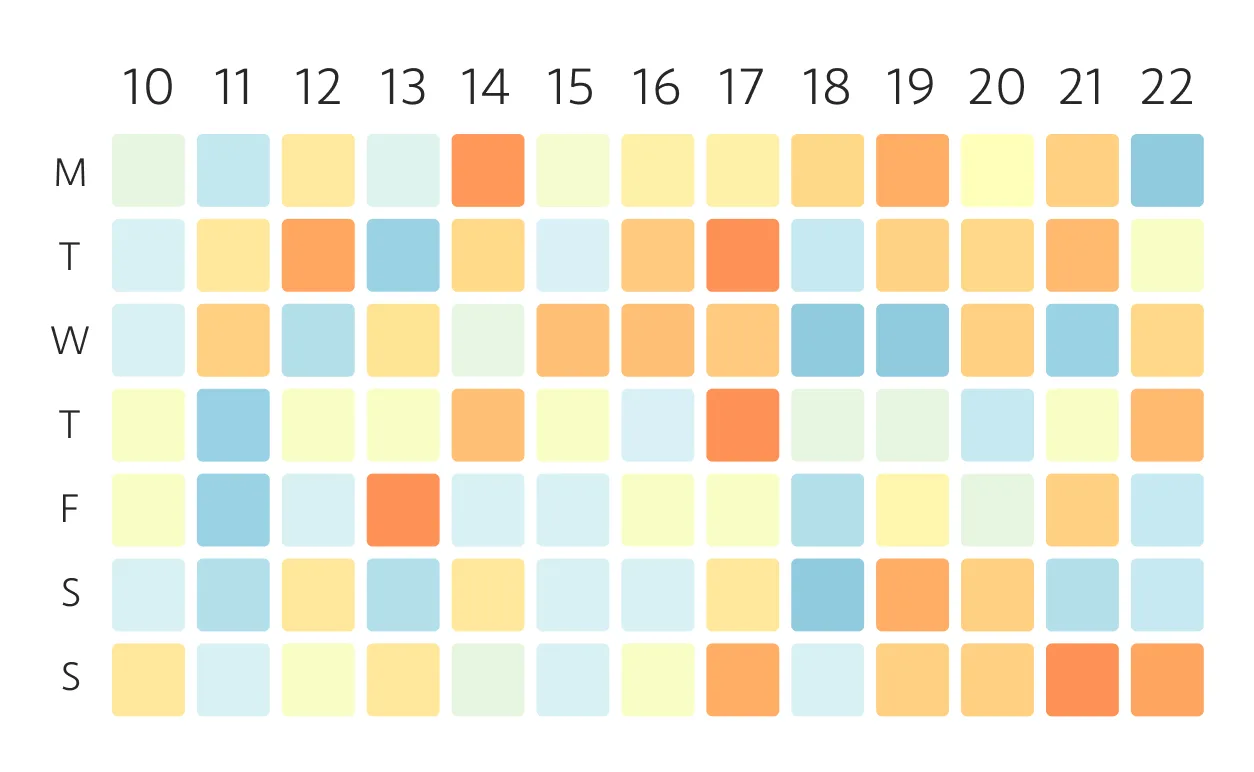

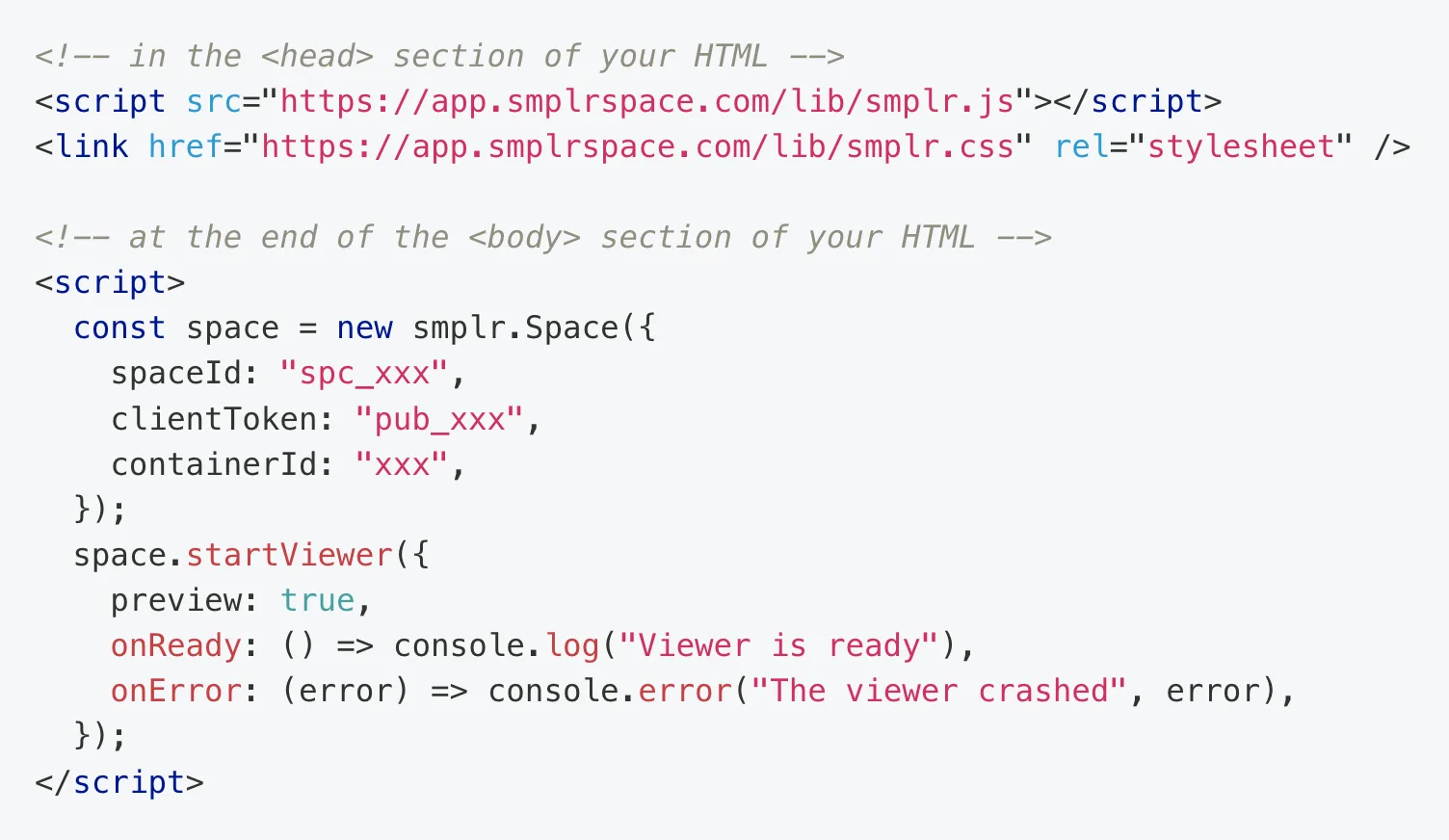

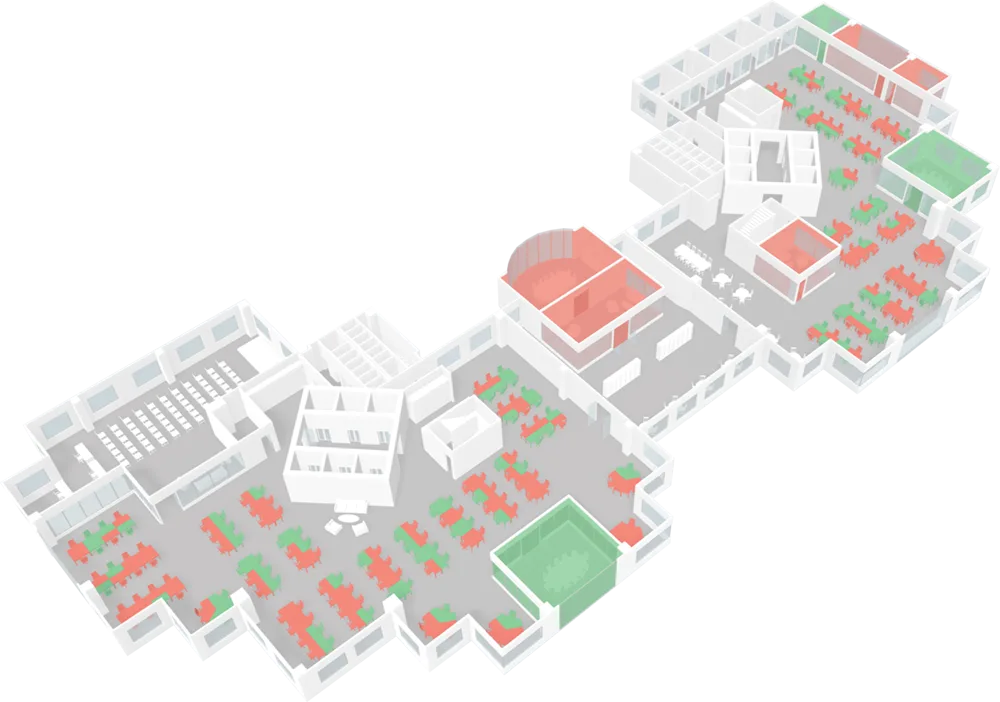
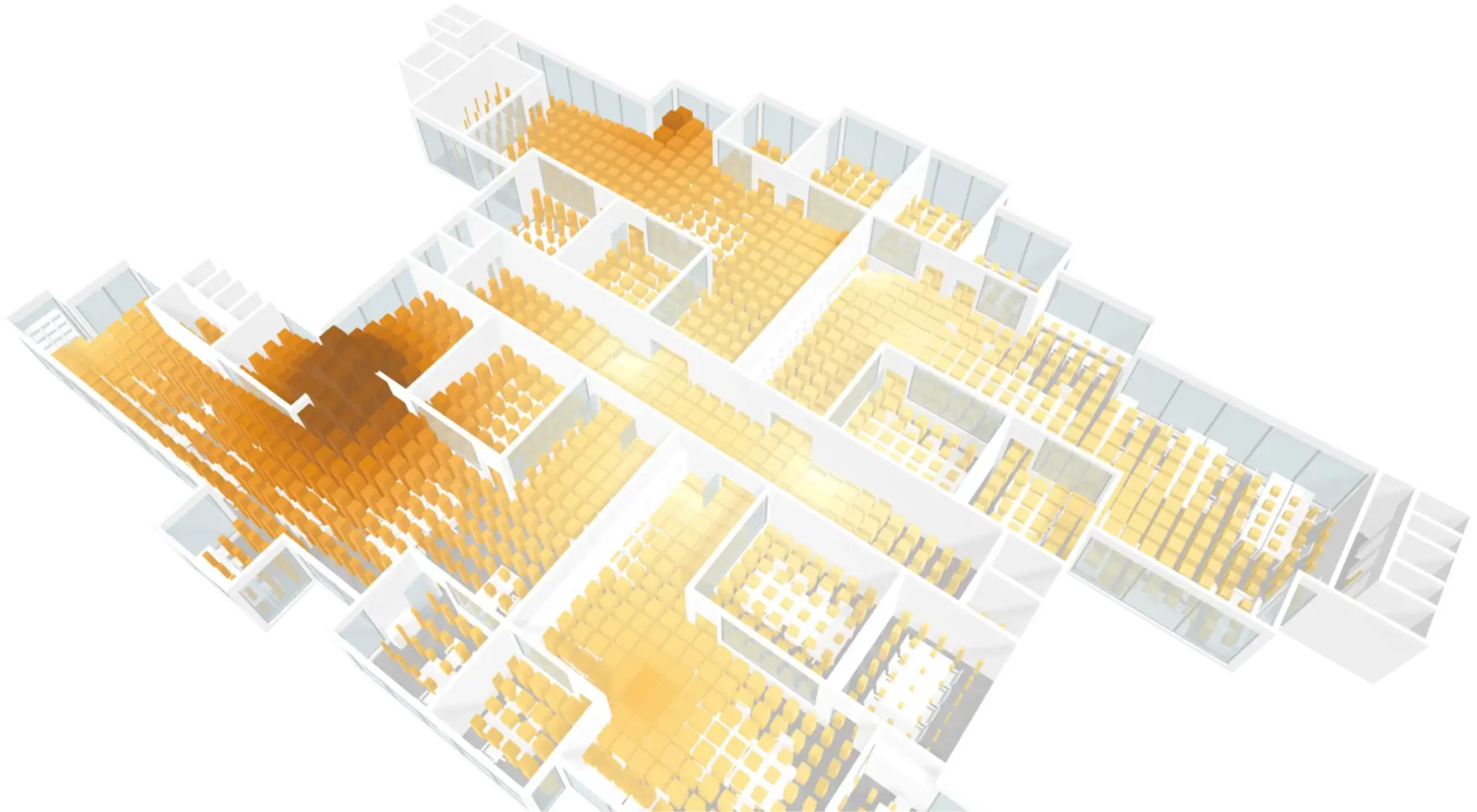
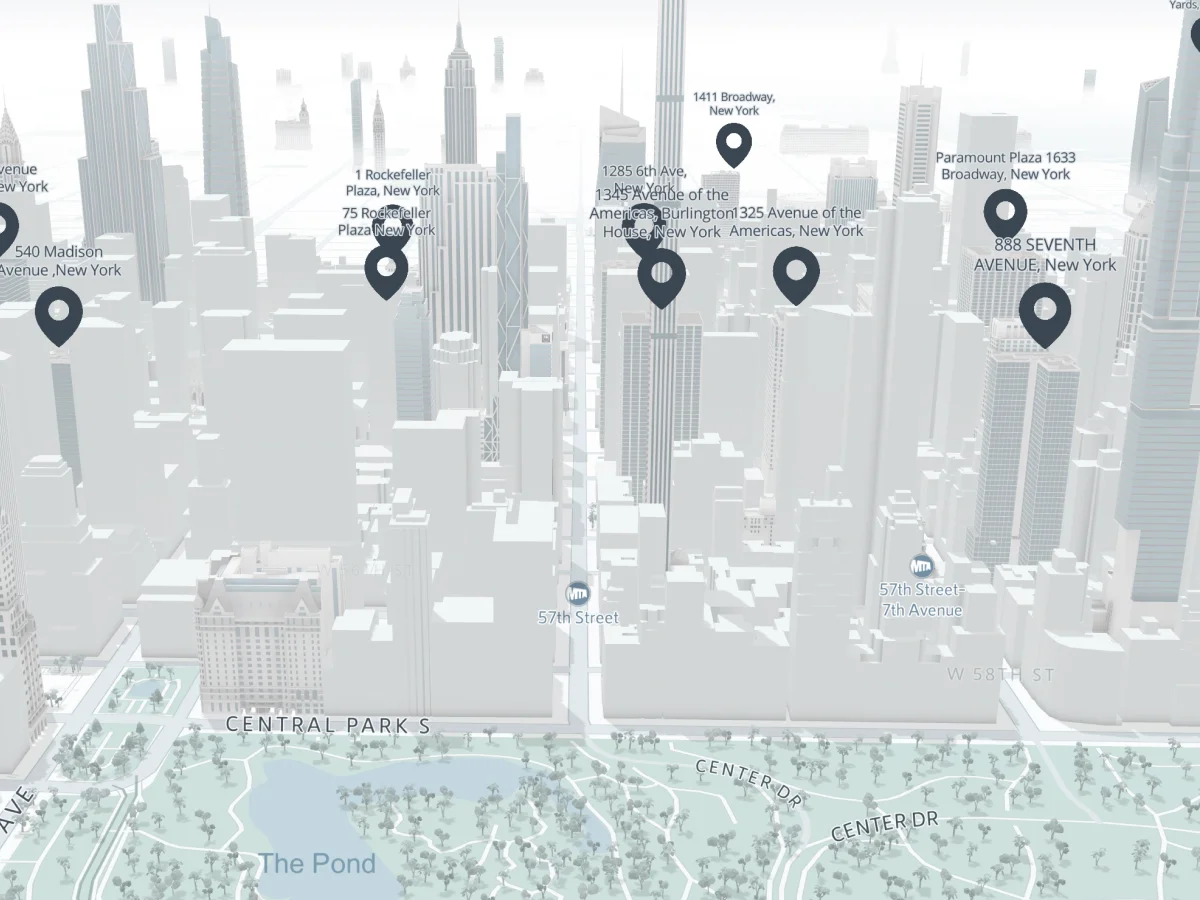
Fast to integrate, full programmatic control
Smplrspace integrations fit naturally into any web environments. Decide how Smplrspace behaves and connects to your systems.
Control data flow, interactions, and UX, while Smplrspace handles spatial rendering and performance.
Load and configure spaces programmatically
Control camera, interactions, and viewer behavior
Listen to and react to user events in real time
Control what data is shown and how it updates

What Smplrspace integrates with
Smplrspace can be integrated into any web application or system. It works with tools already in use by your team, and adds spatial context without changing existing architecture
Interactive integrations, not just visualization
Integrations go beyond visualization. Spaces respond to user actions and become part of active workflows, triggering logic, updates, or user input where actions matter as much as visibility.
Capture interactions
Capture user interactions on spaces, such as selections, navigation, or context-specific actions.
Trigger business logic
Trigger business logic and workflows in integrated systems based on what users do on the floor plan.
Write back to systems
Write changes back to source systems, keeping spatial interactions and operational data in sync.
Support real workflows
Support real-world use cases like assets booking, tenant interactions, and operational workflows.
Power BI plugin for spatial insight
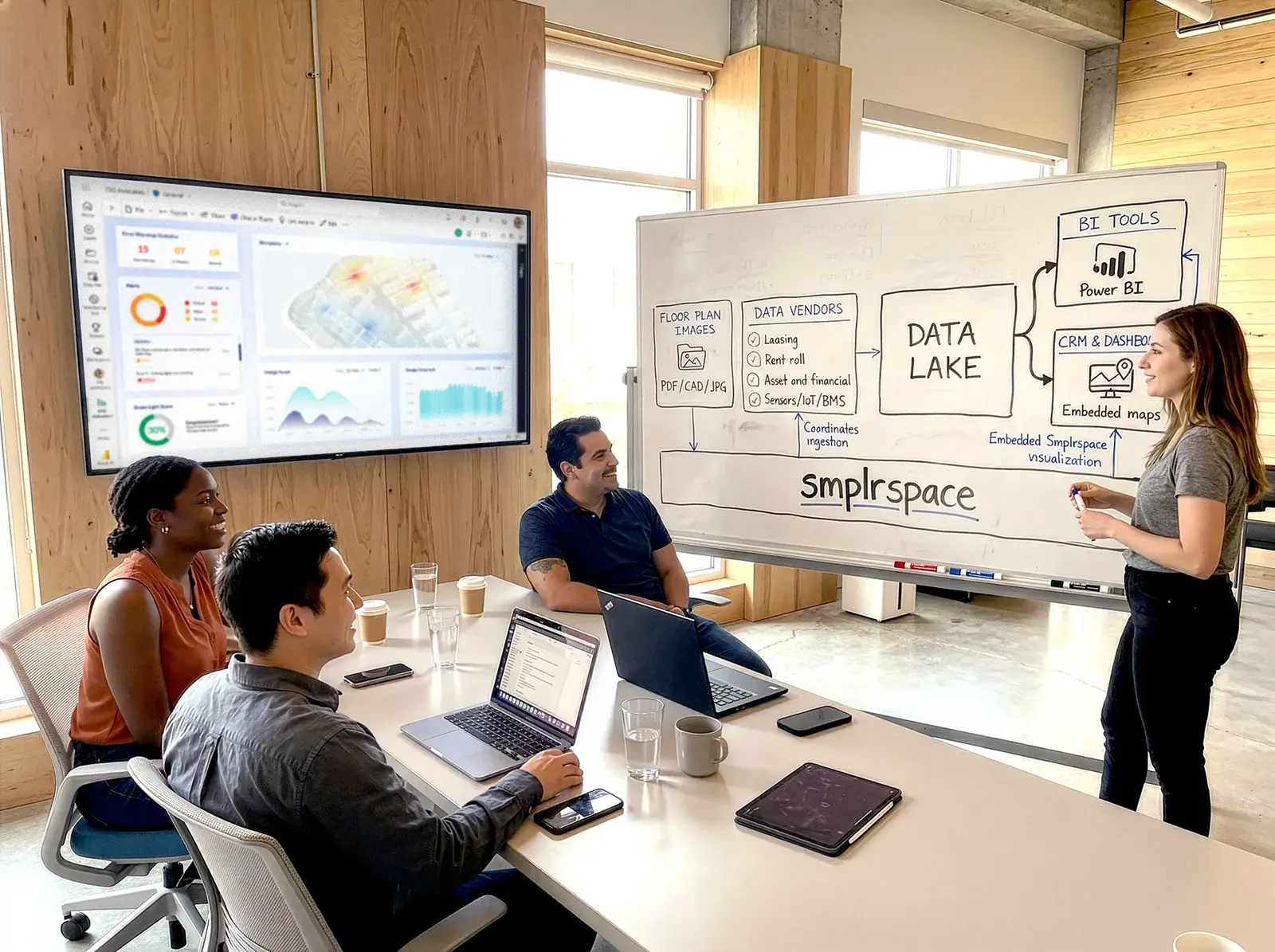
For organizations already using Power BI, this is the easiest entry point into spatial reporting with Smplrspace.
Bring interactive floor plans and portfolio views into Power BI to explore data with spatial context, alongside the dashboards teams already rely on.
Works with existing Power BI reports
Adds spatial views without changing BI workflows
Ideal for analytics and reporting teams
A no-code workflow and experience
Build custom UI on top of visualized spaces
When floor plans become part of daily workflows, teams stop guessing, reduce friction, and act with confidence across buildings and portfolios.
Built with developer experience in mind
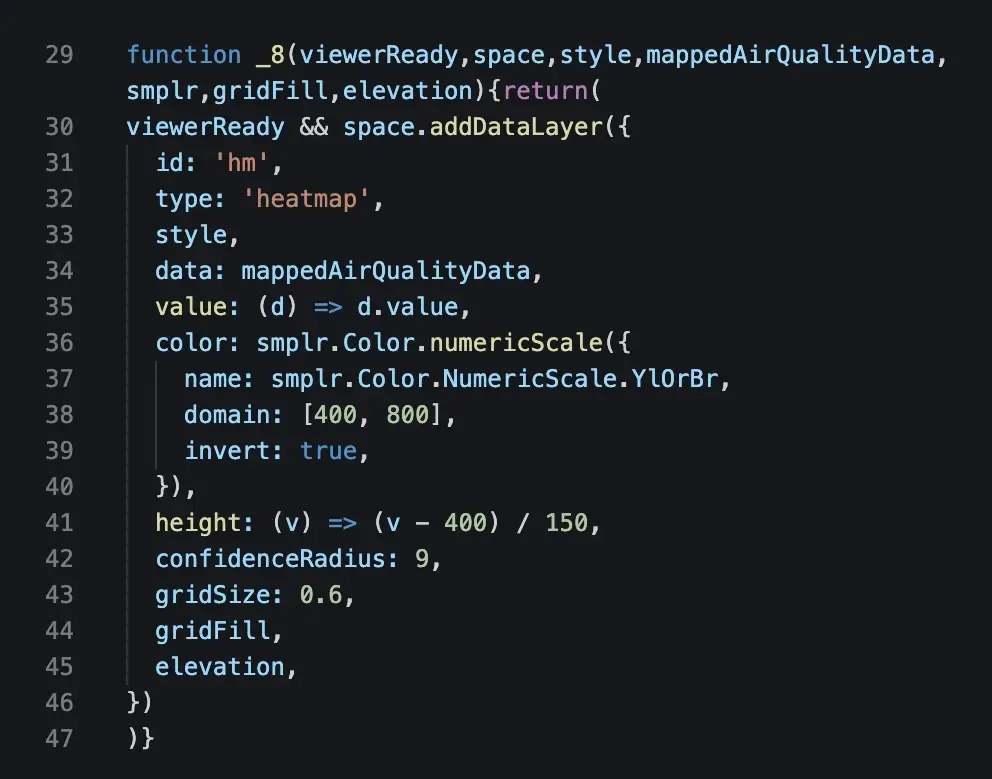
Software teams integrate using familiar, modern technologies and stay in control of how Smplrspace behaves inside their products.
3 free spaces included with every account
Modern JavaScript and TypeScript APIs
NPM package available
Event-based interaction handling
First-class docs with interactive code playgrounds

Privacy and security by design
Smplrspace integrations are built so you stay in control of your data, access, and environments from day one. Privacy and security are not add-ons, they are part of how the platform works.
Your data stays with you
Smplrspace does not ingest or store your operational or business data. Data remains in your systems, while Smplrspace acts as a spatial layer for visualization and interaction.
Controlled access to spaces
Access is managed through scoped tokens and authorized domains. You control where spaces can be loaded, embedded, and interacted with, across products and internal tools.
Secure by default
All communication runs over secure connections and requests are validated before processing. Integrations are designed to operate safely in enterprise environments.
Built for enterprise use
Smplrspace fits organizations with strict security and privacy requirements, supporting both internal deployments and proptech products.
Integrate with existing workflows and tools
Integrates with your existing tools and processes, adding a shared spatial layer without replacing systems teams already rely on.
Data stays in your tools. Smplrspace adds a shared, interactive spatial view.
Connect existing systems to spatial views
Keep current tools and processes unchanged
Support cross-team collaboration through space
Adopt gradually without disruption






Embed into your software product
Embed interactive 2D and 3D floor plans directly into your application.
Smplrspace becomes part of your product experience while you retain full control over behavior, UX/UI, and data flows.
Embed floor plans into your product
Render data layers easily
Respond to user events and interactions
Build custom UI on top of visualized spaces








FAQs
Questions come up when exploring a new platform. Here are answers to the most common ones. Contact us if you need more detail or want to discuss your setup,.
Most teams can get started quickly. Lightweight integrations or Power BI setups can be done within days, sometimes hours, with deeper integrations added gradually as needs evolve.
No. Smplrspace is designed to work alongside your existing tools. Integrations add spatial context without replacing CRMs, IWMS, BI tools, or internal systems.
Smplrspace supports interactive integrations. User actions on floor plans can trigger workflows, updates, and logic in connected systems, making it suitable for booking apps, tenant tools, and operational workflows.
Your data stays in your systems. Smplrspace does not ingest or store operational or business data and acts only as a spatial interface for visualization and interaction. The only thing that Smplrspace stores are the floor plans.
Yes. Smplrspace can display live data updates on floor plans our APIs. You can push or stream real-time values — such as occupancy, sensor status, or operations data.
Yes. Teams can integrate Smplrspace in different ways depending on their needs, while still working in the same spatial environment.
Yes. Smplrspace supports controlled access, scoped tokens, and authorized domains, making it suitable for both enterprise deployments and proptech products.
Not always. Owners & operators often start with reporting or the Power BI plugin. Software teams can integrate using JavaScript and TypeScript with clear documentation and examples.
Ready to integrate Smplrspace?
Talk to us about the right integration approach for your product or organization.
Data mapping services
Our team links database items to their exact floor plan location for them to be used across reports and external systems.
For developers
Explore the API, SDKs, and documentation to integrate Smplrspace into your product.