

Real estate portfolio views, built for decisions
Understand, compare, and explore buildings as one connected portfolio. See patterns and trade-offs across dozens or hundreds of buildings in minutes, not weeks.
Portfolios built around decisions
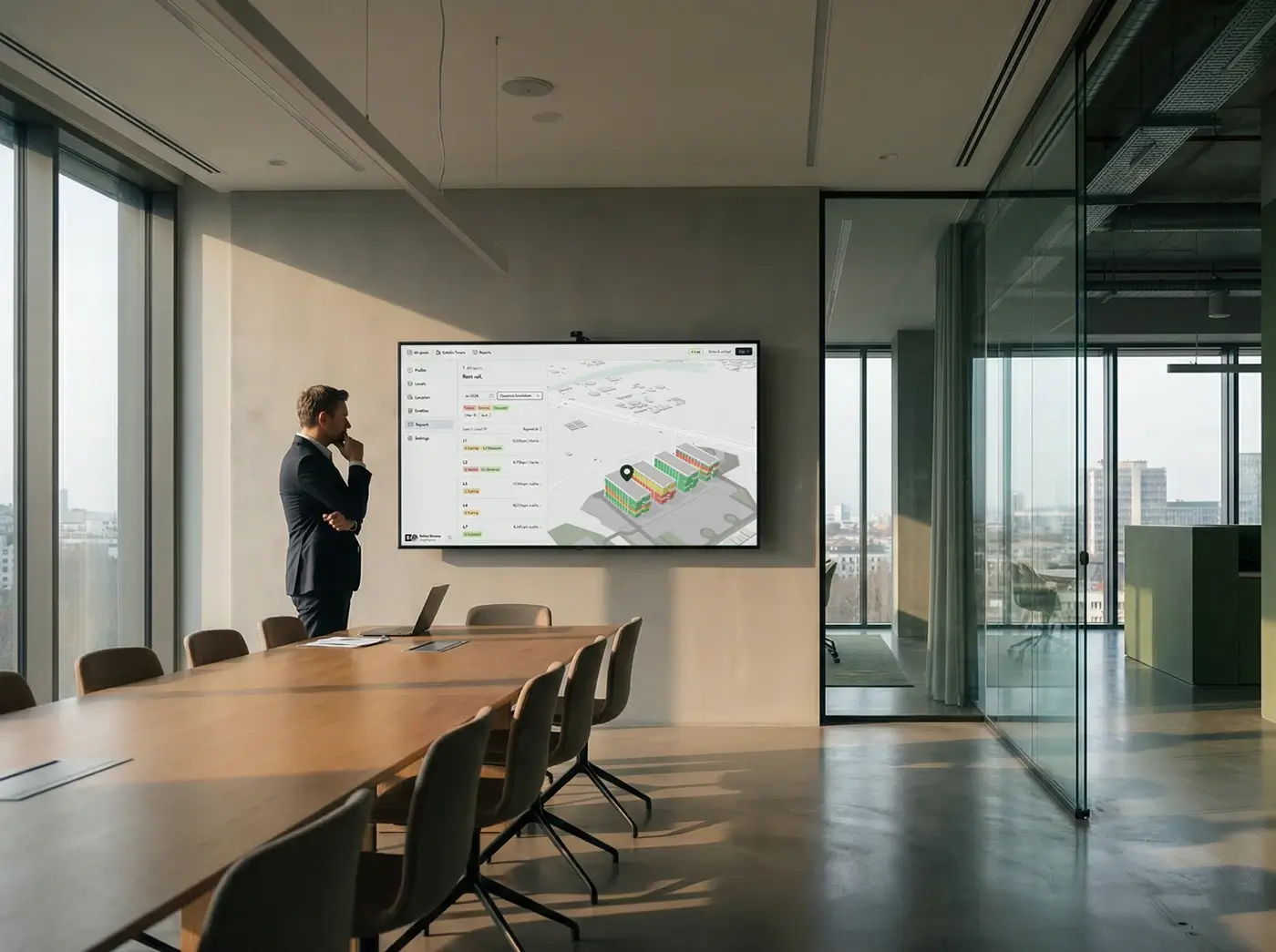
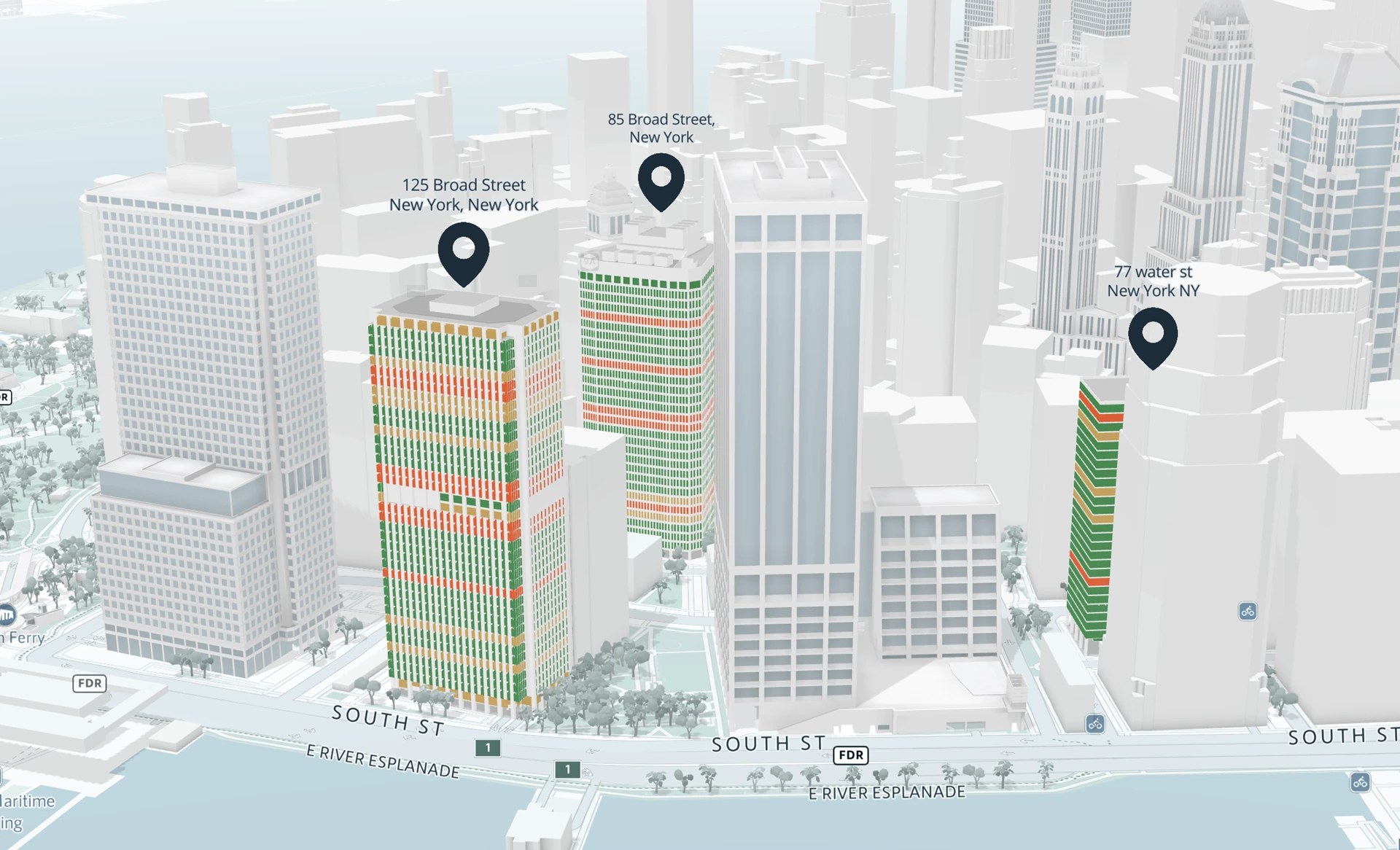
Portfolio views bring multiple buildings into one spatial view that teams can explore, compare, and understand together.
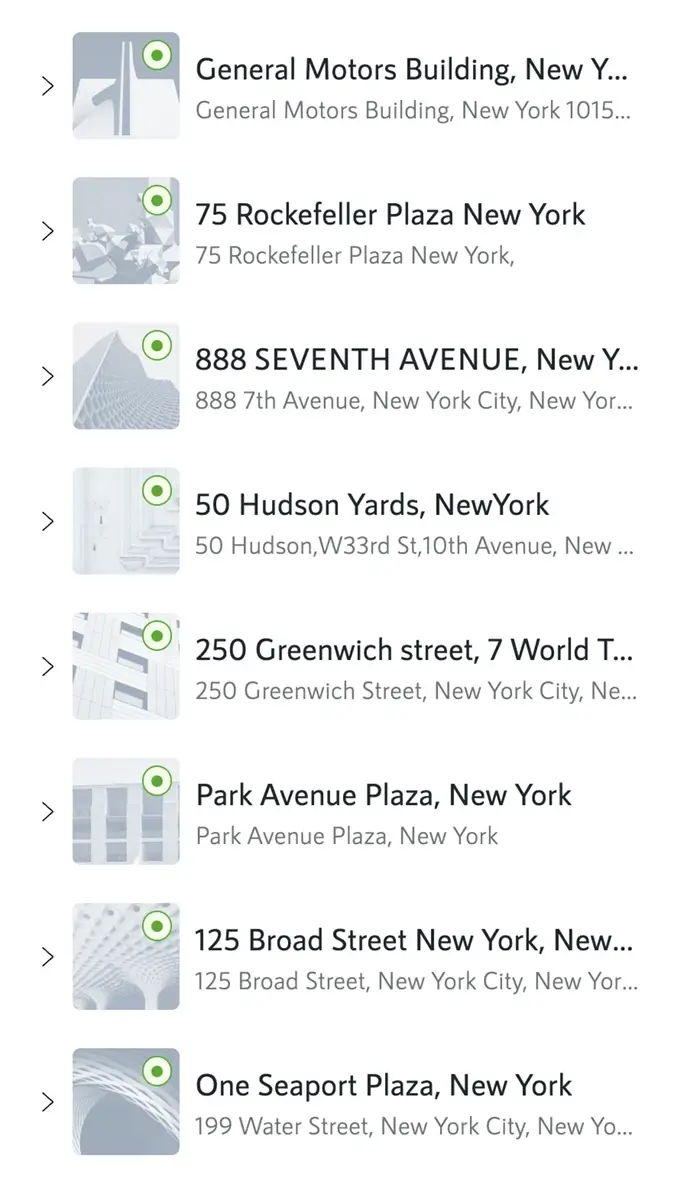
Buildings remain fully navigable, while portfolios adapt to how teams organize and evaluate their real estate, whether by geography, responsibility, or use.

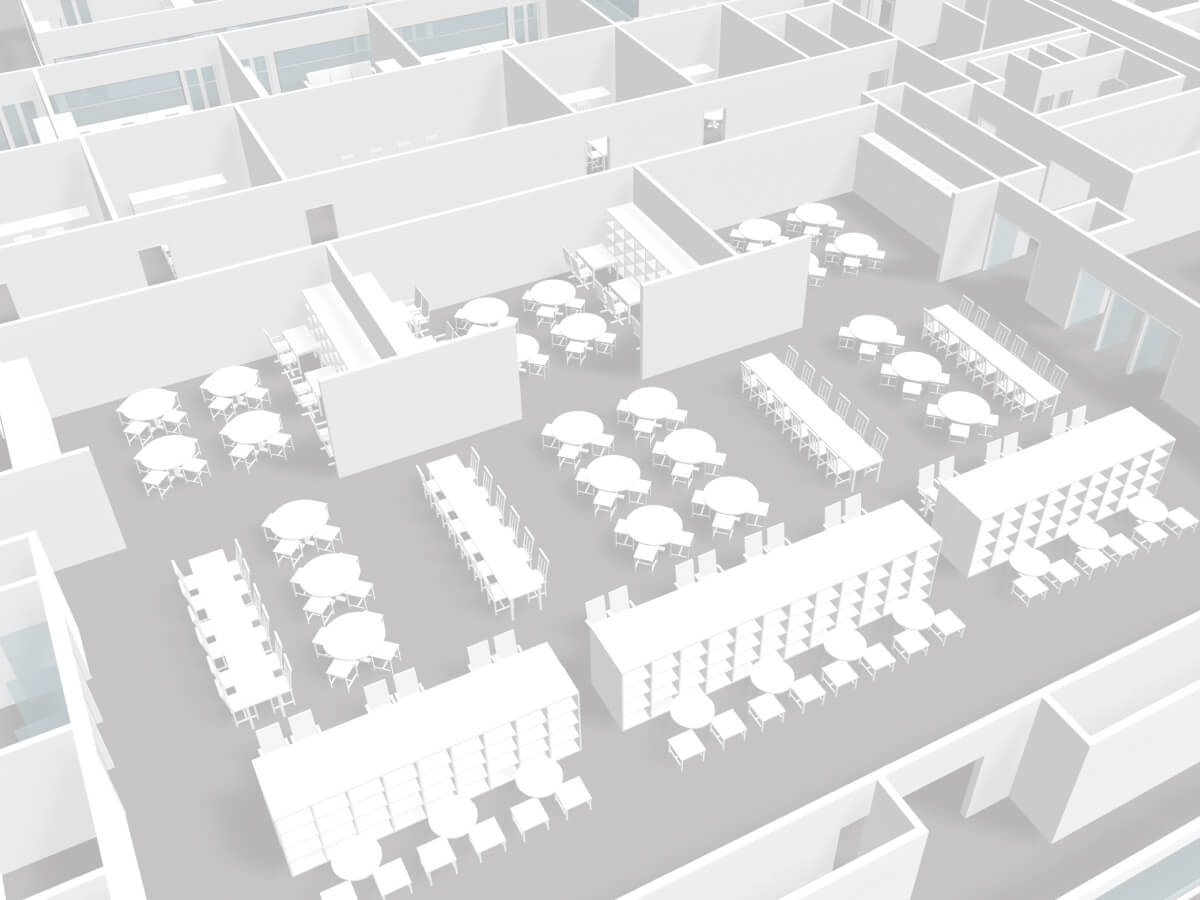
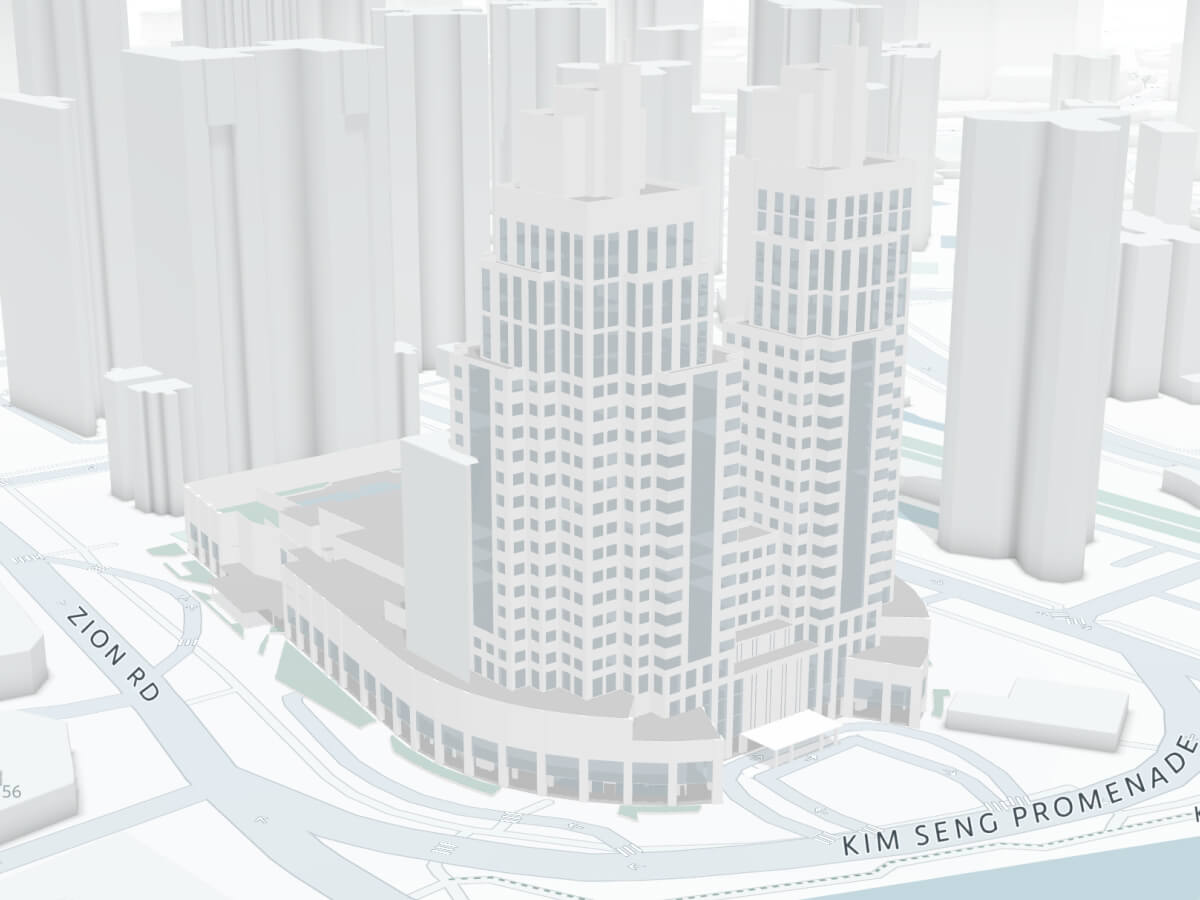
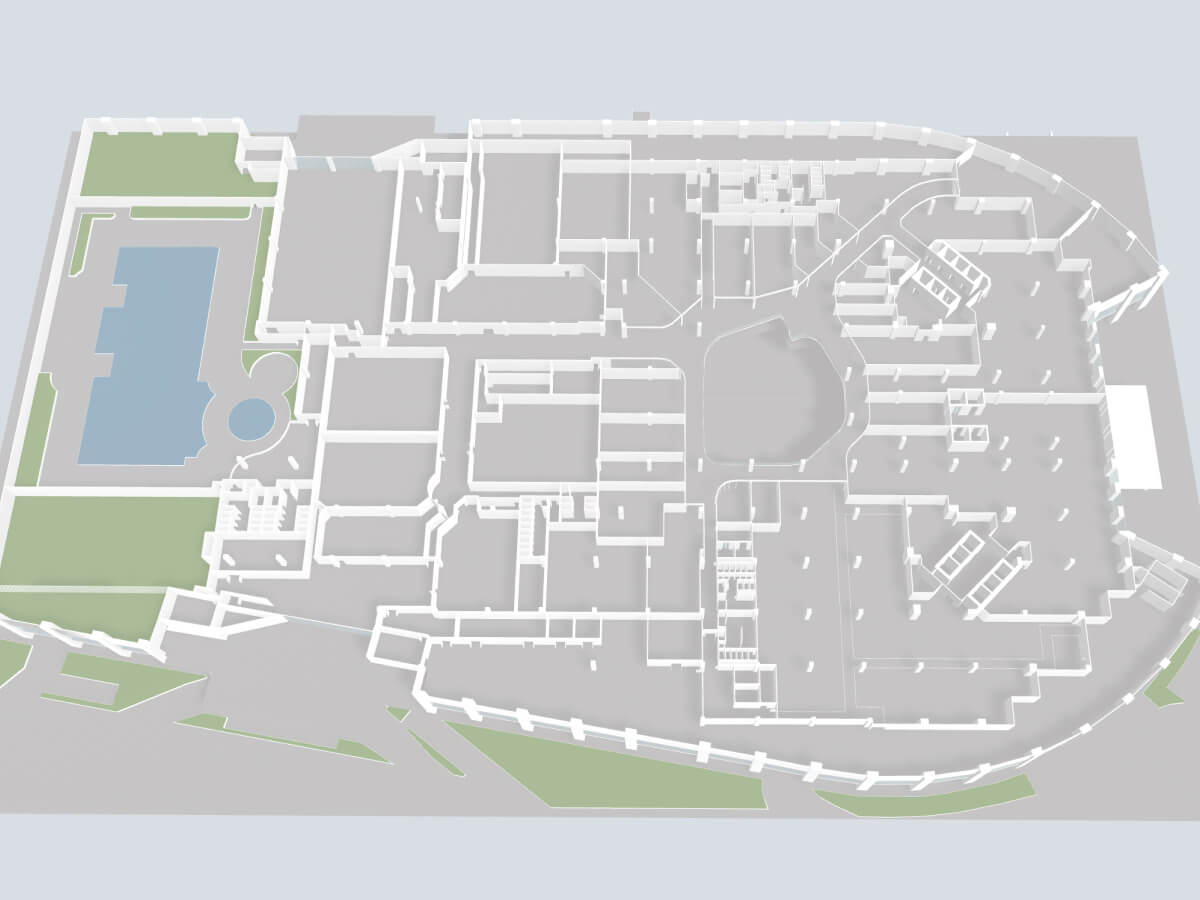
One continuous experience, from portfolio to space
Portfolio scale doesn’t mean losing granularity.
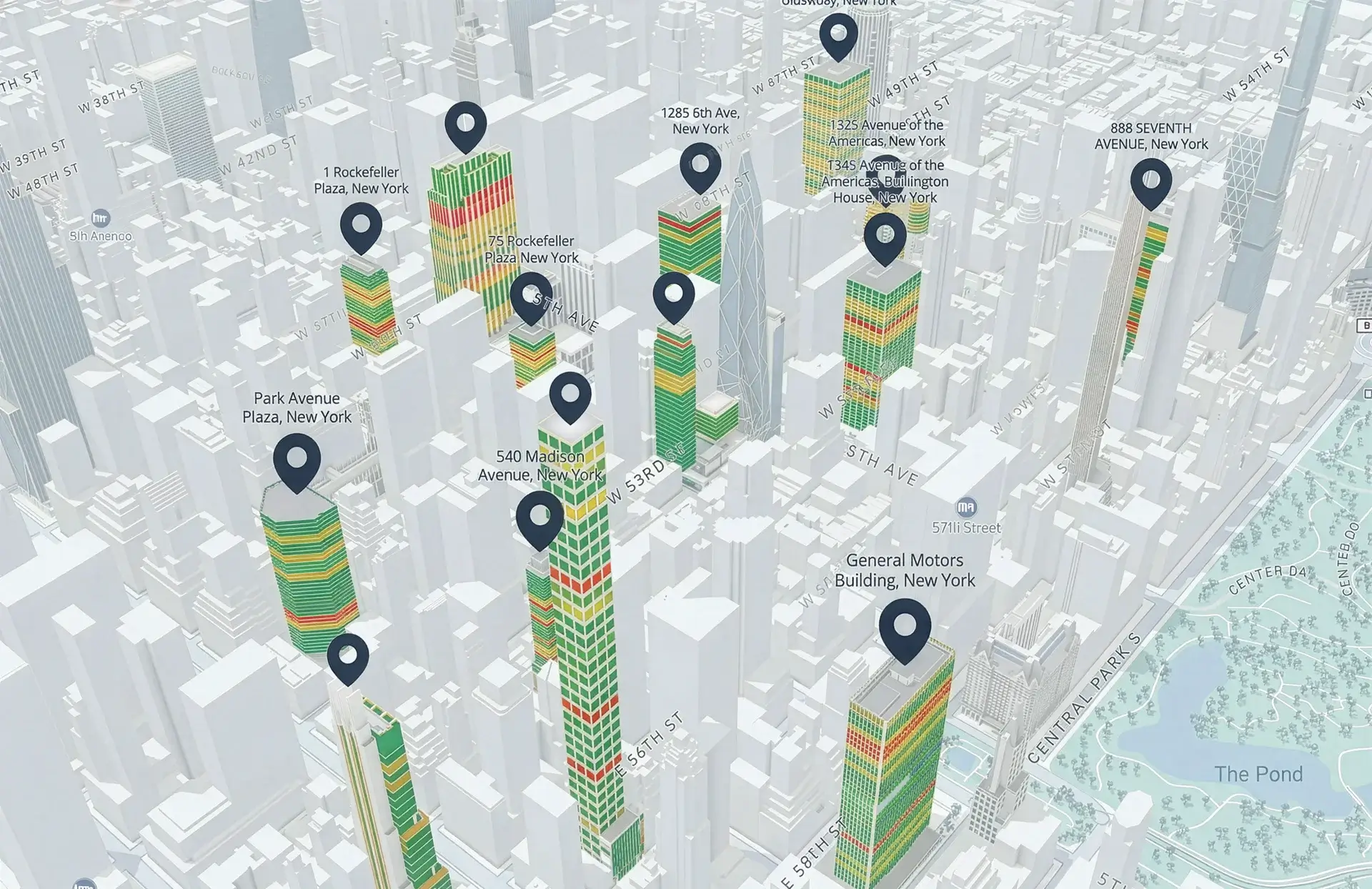
Teams move between buildings, floors, and units, using the same interactions they already know from single-building views.
From portfolio to building, to unit and equipment in one view
The same interactive flow across all sites
Fast switching across sites without losing context


Portfolio insight, in context
Compare buildings across markets using portfolio maps that combine indoor data with rich outdoor data layers.
Points of interest
Transport networks and highways
Competitor locations
Micro-markets or custom zones

Portfolio views, ready to embed and integrate
Smplrspace portfolio views can be embedded and integrated wherever teams work, so the same spatial context is reused across products, dashboards, and workflows.
About integrationsEmbed portfolio views into internal tools, portals, and products
Bring spatial context next to KPIs, reports, and planning workflows
Power applications with interactive portfolio views instead of static exports
Reuse one portfolio logic across teams and systems without rework
Streamline data across regions at portfolio scale
Support decisions across asset management, workplace, operations, finance, and leadership.
Compare sites, plan changes, and align teams around a shared spatial view of the portfolio.
Owners & operators solutions





Turn building data into product-ready experiences.
Embed portfolio and map-based views into products for real estate, workplace, facilities, or analytics use cases, without building custom spatial grouping, mapping, or rendering infrastructure.
Software companies solutions







Where Smplrspace fits
Real estate portfolios are complex by nature. Smplrspace adds the spatial clarity that turns existing systems into decision-ready tools.
Static floor plans
Work for single buildings. At portfolio scale, they become hundreds of files, formats, and versions that are hard to handle and manage.
BIM and CAD tools
Deep technical detail, heavy workflows and specialized software. Built for specialists, not everyday portfolio questions and needs.
Portfolio software and dashboards
Strong on charts, spreadsheets and KPIs, weak on space. Buildings become rows, not places you can explore.
Smplrspace portfolio views
A lightweight spatial layer that sits between systems. Fast to digitize, fast to load, and fully browser-based.
Indoor and outdoor views work together, giving teams a portfolio they can actually explore and use for decisions.
Smplrspace doesn't replace your existing CAD and BIM files or dashboards, it augments them.
How portfolios come together
You don’t start from scratch. Smplrspace builds portfolio views from the spaces we already have digitized for you.
Book a pilot callDigitize buildings
Existing floor plans are turned into clean, interactive 2D and 3D spaces with a shared structure, making buildings comparable from day one.
Assemble portfolio
Buildings are placed on an outdoor map and grouped into portfolio views based on geography, department, asset type, or purpose, without copying or restructuring data.
Bring in data
Any building-related and location-related data can be visualized on spaces and outdoor maps, enabling comparison, analysis, and reporting across sites.
Keep portfolios current
Updates to space layouts, tenants, or allocations are made once and reflected everywhere, so portfolio views remain accurate as spaces evolve.
FAQs
Questions come up when exploring a new platform. Here are answers to the most common ones. Contact us if you need more detail or want to discuss your setup,.
A portfolio is a flexible view of multiple digitized buildings grouped together for a specific purpose. The same buildings can belong to multiple portfolios at once, depending on how teams want to explore, compare, or report on them.
No. Smplrspace doesn’t replace BIM, IWMS, CAFM, or BI tools. It adds a spatial portfolio layer that makes buildings easier to explore and understand alongside the systems you already use.
Yes. Portfolio views combine indoor floor plans with outdoor maps, allowing teams to explore buildings in geographic context and layer in information like transport, points of interest, competitors, or custom zones.
Portfolios are designed to scale from a handful of buildings to hundreds of sites. Views remain lightweight and responsive, even as portfolios grow.
Once buildings are digitized, portfolio views can be created immediately by grouping existing spaces. Teams can start with a subset of buildings and expand portfolios over time.
Ready to see your portfolio differently?
Bring your buildings into Smplrspace and explore it the way decisions are actually made — across buildings, geographies, and teams.
Interactive floor plans
All portfolios within Smplrspace begin with a digitized floor plan.
Contact support
Write to our support team for questions, issues, or hands-on assistance.